
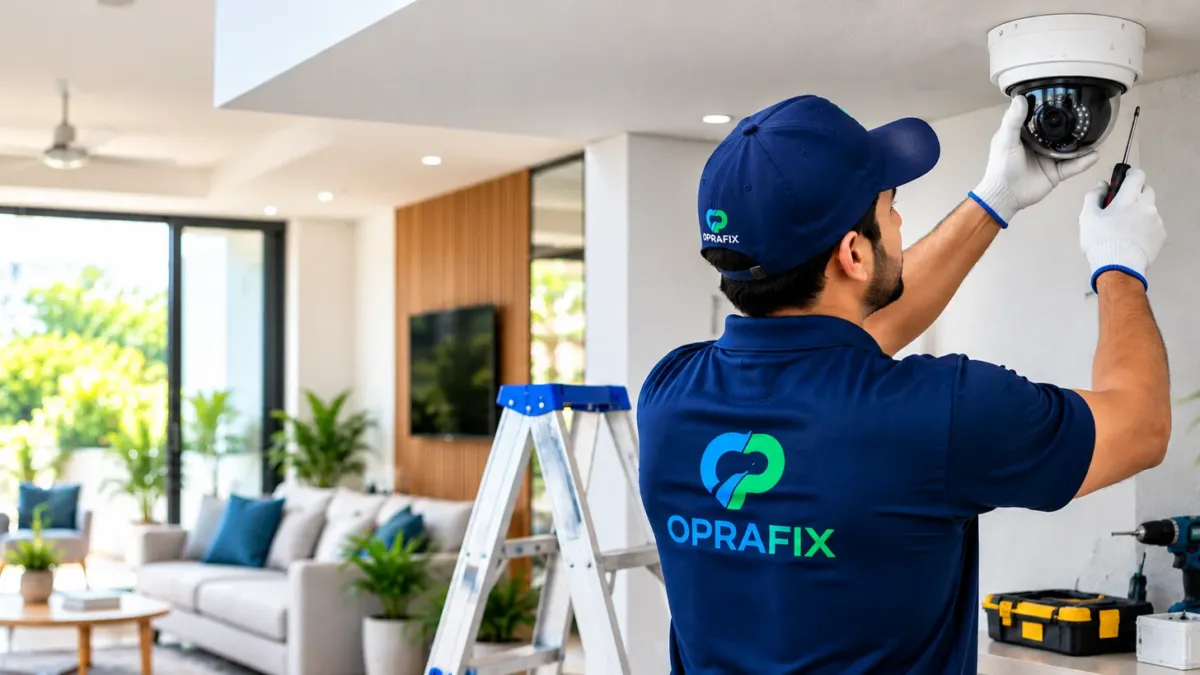
Security cameras have become a standard part of homes, housing societies, shops and offices across Delhi NCR. They help you see who is at the door, keep an eye on entrances and stock areas, and review what happened if something goes wrong. Choosing the right system, however, can feel confusing, with many camera types, recording options and price levels to compare.
This guide explains the benefits of CCTV, the main types of cameras and recorders, the factors that affect cost, and the questions to ask before CCTV installation in Delhi NCR. It covers both home security cameras and commercial CCTV installation for businesses in Delhi, Gurugram, Noida and Faridabad.
Benefits of CCTV for homes and businesses
A well-planned CCTV system can help you:
- Discourage unwanted activity. Visible cameras can make a property a less attractive target.
- Monitor entrances and deliveries. See who comes and goes, including visitors, staff and delivery personnel.
- Check in remotely. Many systems let you view live or recorded footage on your phone, which is useful when you travel or manage more than one location.
- Review incidents. Recorded footage can help you understand what happened during a dispute, damage or theft and can be shared with the relevant authorities if needed.
- Support elderly family members and children. Families often use indoor cameras to check on loved ones at home, with everyone’s knowledge and consent.
Cameras are one part of security. They work best alongside good locks, lighting and sensible routines.
Types of CCTV cameras
Dome cameras
Dome cameras have a rounded cover and are commonly installed on ceilings indoors, such as in living areas, shops, reception areas and corridors. They are discreet and make it harder to tell which way the camera is pointing.
Bullet cameras
Bullet cameras are cylindrical and are often mounted on walls outdoors to watch gates, driveways, parking areas and building perimeters. Outdoor models should be rated for dust and rain, which matters in Delhi NCR’s dusty summers and monsoon showers.
Wi-Fi cameras
Wi-Fi cameras connect to your home network and usually store footage on a memory card or in the cloud. They are convenient for small homes and single rooms, but they depend on a stable internet connection and strong Wi-Fi signal.
PTZ cameras
Pan-tilt-zoom (PTZ) cameras can be moved and zoomed remotely to cover a wider area. They are more common in larger commercial premises, warehouses and open spaces.
Analogue HD vs IP systems
Most installations fall into two broad categories:
- Analogue HD systems connect cameras to a digital video recorder (DVR) using coaxial cable. They are a common choice for homes and small shops.
- IP systems connect network cameras to a network video recorder (NVR), often using network cable that can also carry power. They are typically more flexible and are often preferred for larger or growing setups.
Your installer should recommend a system based on the number of cameras, the distances involved, the image detail you need and your plans to expand.
Recording, storage and remote viewing
Consider how footage will be stored and accessed:
- Recorder (DVR or NVR) with a hard disk. The disk size and recording settings decide how many days of footage are kept before older recordings are overwritten.
- Memory card or cloud storage. Common with Wi-Fi cameras; check any subscription requirements.
- Mobile viewing. Ask how remote viewing is set up and secured, and who will have access.
- Power backup. Cameras and recorders stop working during power cuts unless they are connected to an inverter or UPS.
Planning cameras for your home or business?
Share your property type, the areas you want to cover and your locality with Oprafix on WhatsApp. The team will discuss your requirement before planning an installation.
What affects the cost of CCTV installation?
CCTV costs vary widely, so it is better to understand what drives the price than to rely on a general figure. Oprafix does not publish fixed prices because every property is different. The main cost factors are:
- Number of cameras. Each additional camera adds equipment, cabling and installation time.
- Camera type and features. Indoor or outdoor, image resolution, night vision, audio and weather protection all affect price.
- Recorder and storage. The recorder’s channel count and the size of the hard disk you need.
- Cabling and installation work. Long cable runs, concealed wiring, conduit, height and building layout increase labour and materials.
- Power backup and accessories. Power supplies, inverter or UPS connections, monitors and mounting brackets.
- Remote viewing setup. Network configuration and mobile app setup.
- Ongoing support. Whether maintenance, repairs or relocation of cameras are included later.
Ask for an itemised quote after a site assessment so you can see exactly what you are paying for and compare offers fairly.
Questions to ask your CCTV installer
- How many cameras do I need, and where should they be placed for the best coverage?
- Which camera type and resolution do you recommend for each location, including at night?
- How many days of recording will the storage hold?
- How will remote viewing be set up and secured?
- How will the wiring be routed and finished?
- What is included in the quote, and what support is available after installation?
Privacy and placement tips
- Point cameras at your own property, entrances and common areas you are responsible for, and avoid pointing them into neighbours’ homes.
- In housing societies, check your residents’ welfare association rules before installing cameras in shared spaces.
- In businesses, tell employees and visitors that cameras are in use, and avoid placing cameras in private areas such as washrooms or changing rooms.
- Change default passwords on recorders and apps, and limit who can access footage.
Frequently asked questions
How many CCTV cameras does a home need?
Many homes start by covering the main door, the gate or building entrance, and any balcony or back entry. The right number depends on your layout and what you want to monitor.
Can I view CCTV footage on my phone?
Most modern systems support mobile viewing through an app when the recorder or camera is connected to the internet. Ask your installer to set it up securely.
Do CCTV cameras work at night?
Many cameras include infrared night vision, and some offer colour night vision in low light. Performance depends on the camera and the lighting around it.
Will CCTV keep recording during a power cut?
Only if the cameras and recorder are connected to a power backup such as an inverter or UPS. Discuss this during installation.
Conclusion
The right CCTV system depends on your property, the areas you need to watch and how you want to access footage. Understand the options and cost factors, then ask for a clear, itemised quote. Learn more about our CCTV installation services, or contact Oprafix by phone or WhatsApp to discuss cameras for your home or business in Delhi, Faridabad, Gurugram, Noida or Delhi NCR.